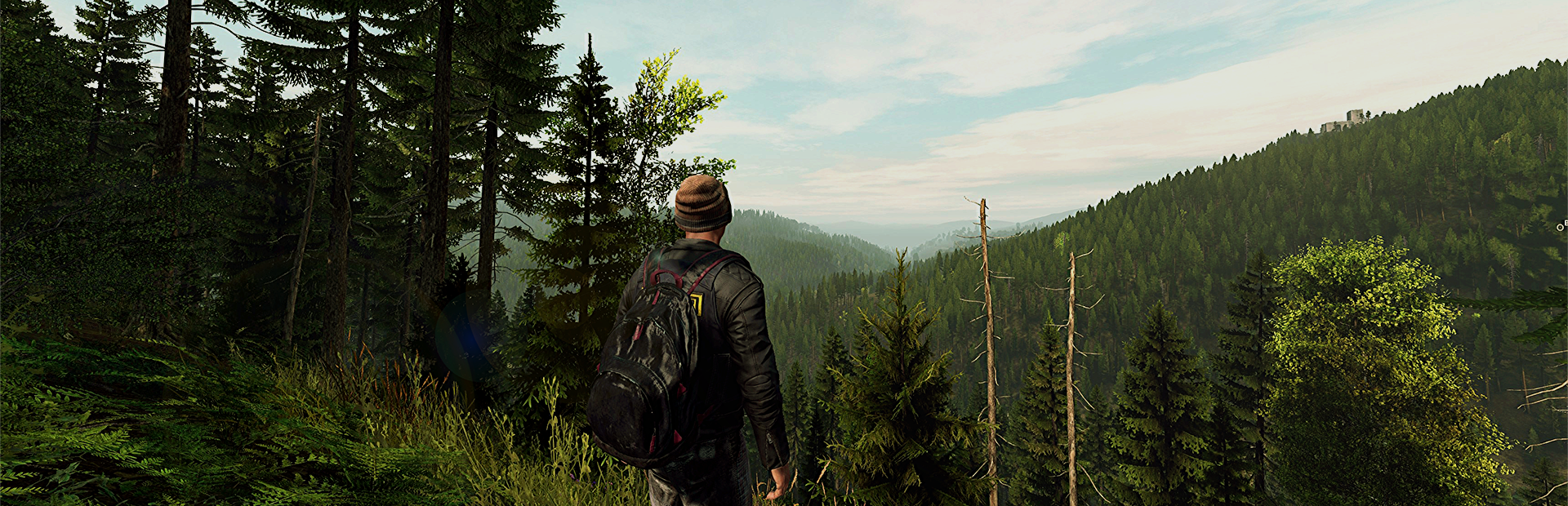
This guide covers setting up and configuring your Voyagers of Nera dedicated server on Legion Hosting. Voyagers of Nera is a cooperative survival-crafting game for up to 10 players set in a vast magical ocean world. For admin tools and server management, see our Voyagers of Nera Admin Commands guide.
What is Voyagers of Nera?
Voyagers of Nera is a cooperative survival-crafting game set in Nera, a magical ocean world full of beauty, magic, and danger. Players are Echoes, descendants of the long-extinct protectors of this world. Explore ancient ruins, diverse biomes, and survive together with up to 10 players.
First Start
- Log in to GPanel at gpanel.legionhosting.net
- Select your Voyagers of Nera server from the server list
- Go to the Startup tab and configure your server name, password, and player limit
- Click Start to launch the server
- The server is online when the console displays
Successfully created session
GPanel Startup Variables
| Variable | Description | Default |
|---|---|---|
SERVER_NAME |
Server name displayed in the browser (alphanumeric, spaces, hyphens, underscores only) | A Pterodactyl Hosted Server |
SERVER_PASSWORD |
Password to join the server (leave empty for public) | (empty) |
MAX_PLAYERS |
Maximum number of concurrent players (1–10) | 10 |
AUTOSAVE_TIMER_SECONDS |
How often the server auto-saves (in seconds, 10–900) | 300 (5 minutes) |
Configuration File
The server configuration is stored in an INI file:
BoatGame/Saved/PersistedData/CustomConfig/CustomHostServerUserSettings.iniKey settings managed by GPanel:
[/Script/BoatGame.BGCustomHostServerSettings]
HostServerDisplayName=Your Server Name
HostServerPassword=
MaxPlayers=10
AutosaveTimerSeconds=300
How to Connect
- Launch Voyagers of Nera from Steam
- From the main menu, select Multiplayer
- Browse the server list and search for your server by name
- Select the server and click Join
- If password-protected, enter the password when prompted
File Structure
BoatGame/
  Binaries/Win64/              <-- Server executable (runs via Wine)
  Saved/
    PersistedData/
      CustomConfig/
        CustomHostServerUserSettings.ini   <-- Server settings
      SaveData/                            <-- World save data
    Logs/
      BoatGame.log                         <-- Server log file
Save File Location
World save data is stored in:
BoatGame/Saved/PersistedData/SaveData/Related Articles
Need Help?
If you are experiencing issues with your Voyagers of Nera server, our support team is here to help. Submit a support ticket and we will get back to you as soon as possible.
