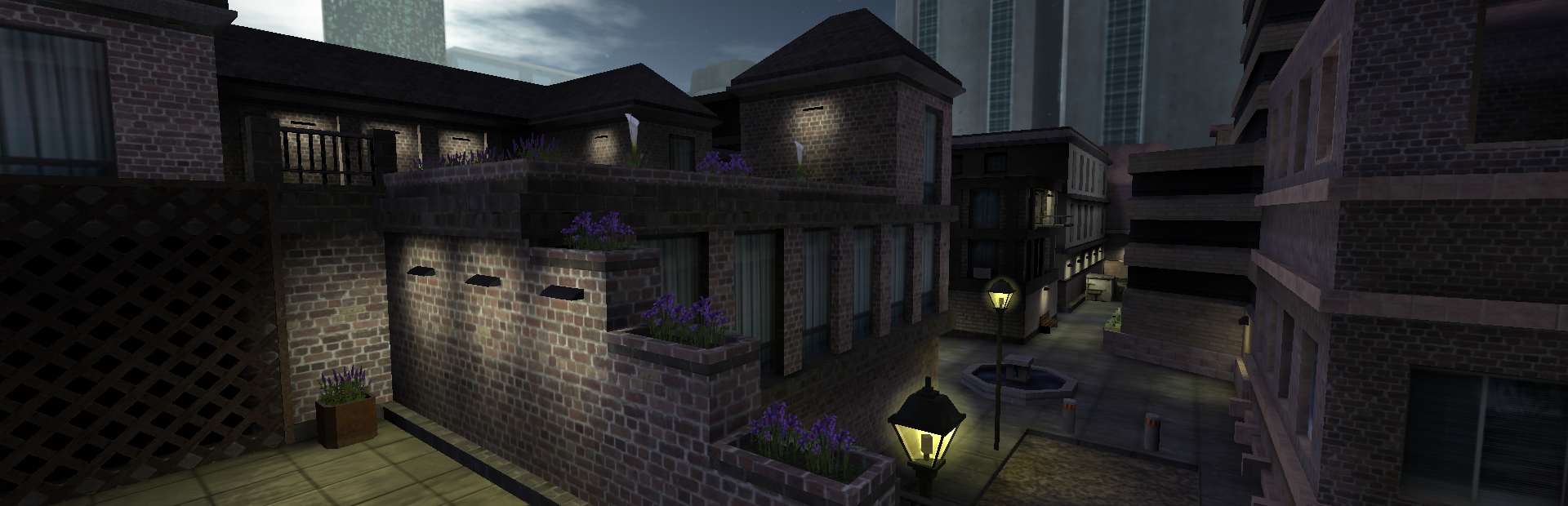
Esta guía cubre cómo configurar tu servidor dedicado de Operation: Harsh Doorstop alojado con Legion Hosting. Operation: Harsh Doorstop es un shooter táctico sandbox gratuito, impulsado por Unreal Engine, con soporte completo de Steam Workshop. Para comandos de administración y gestión de RCON, consulta la Guía de Administración de Operation: Harsh Doorstop.
1. Acceder a Tu Servidor
- Inicia sesión en GPanel.
- Selecciona tu servidor de Operation: Harsh Doorstop de la lista de servidores.
- La IP y el puerto de tu servidor se muestran en la pestaña Console. Consulta Cómo Encontrar la IP y el Puerto de Tu Servidor para más detalles.
2. Variables de Inicio
Configura estos ajustes desde la pestaña Startup en GPanel:
| Variable | Nombre de Variable | Predeterminado | Descripción |
|---|---|---|---|
| Nombre del Servidor | SERVER_NAME |
Harsh Doorstop Dedicated Server | Nombre mostrado en el navegador de servidores. |
| Máximo de Jugadores | MAX_PLAYERS |
32 | Máximo de jugadores permitidos en el servidor. |
| Puerto de Consulta | QUERY_PORT |
27005 | Puerto para consultas del servidor maestro de Steam. |
| Puerto RCON | RCON_PORT |
7779 | Puerto para conexiones de consola remota (RCON). |
| Contraseña RCON | RCON_PASSWORD |
(vacío) | Contraseña para la autenticación RCON. Configúrala para la administración remota. |
| Máximo de Intentos de Autenticación RCON | RCON_MAX_AUTH_ATTEMPTS |
3 | Máximo de intentos fallidos de autenticación antes de que se cierre una conexión RCON. |
| Máximo de Conexiones RCON | RCON_MAX_CONNECTIONS |
5 | Máximo de conexiones RCON simultáneas. |
| Actualización Automática | AUTO_UPDATE |
1 | Actualizar automáticamente el servidor al iniciar (1=sí, 0=no). |
3. Archivo de Configuración
La configuración del servidor se almacena en HarshDoorstop/Saved/Config/LinuxServer/Game.ini. Este archivo se crea durante la instalación con valores predeterminados. Puedes editarlo a través de SFTP.
Secciones principales:
[/Script/RCON.RCONServerSystem]
bEnabled=True
ListenPort=7779
Password="YourRCONPassword"
MaxActiveConnections=5
MaxAuthAttempts=3

[/Script/Engine.GameSession]
MaxPlayers=32
ServerName="My Awesome Server"
Password="cookies"Game.ini.
4. Conectarse a Tu Servidor
- Descarga Operation: Harsh Doorstop desde Steam (gratuito).
- Inicia el juego y abre el navegador de servidores.
- Busca tu servidor por nombre, o conéctate directamente a través de la consola de Steam:
connect IP:PORT
5. Lista de Verificación para la Primera Configuración
- Establece un
SERVER_NAMEpara tu servidor. - Establece una contraseña fuerte para
RCON_PASSWORDpara la administración remota. - Inicia el servidor y verifica que muestre
RCON server listening onen la consola. - Conéctate desde el juego y prueba que todo funcione correctamente.
Artículos Relacionados
- Guía de Administración de Operation: Harsh Doorstop
- Cómo Encontrar la IP y el Puerto de Tu Servidor
- Cómo Subir Archivos a través de SFTP
¿Necesitas Ayuda?
Si tienes problemas con tu servidor de Operation: Harsh Doorstop, abre un ticket de soporte e incluye la IP de tu servidor, una descripción del problema y cualquier mensaje de error de la consola de GPanel.

