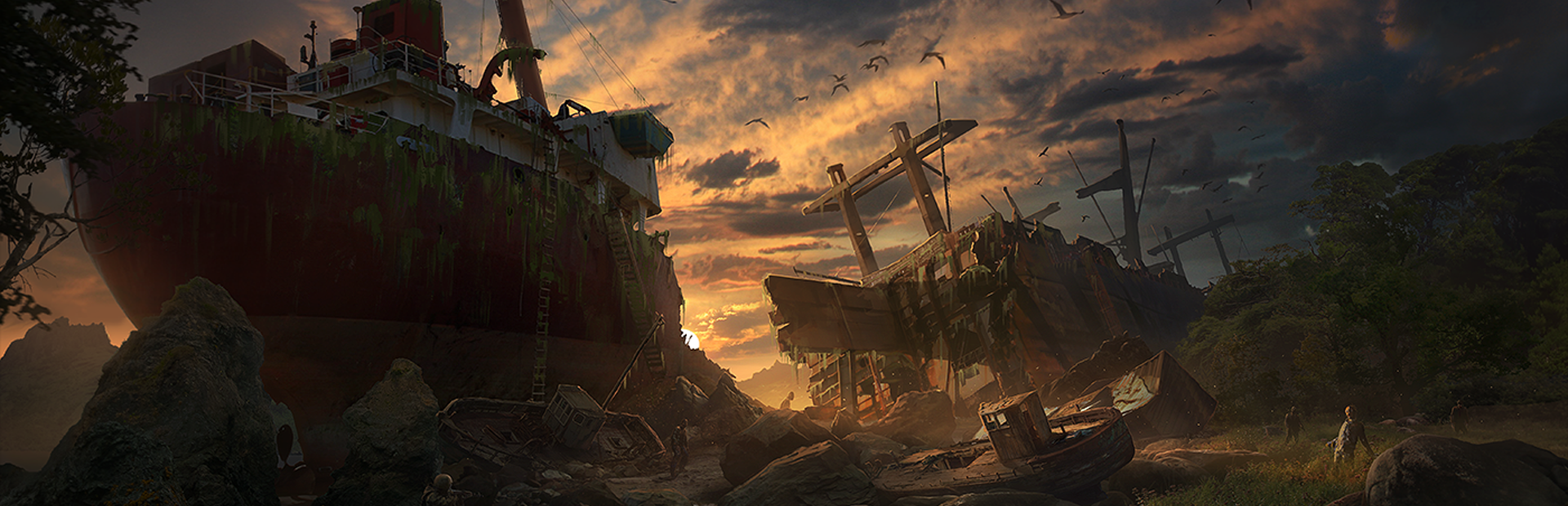
This guide covers how to set up and configure your Plains of Pain dedicated server hosted with Legion Hosting. Plains of Pain is a brutal open-world survival game set in a procedurally generated wasteland, playable solo or with friends. For admin commands and server management, see Plains of Pain Server Admin Guide.
1. Accessing Your Server
- Log in to GPanel.
- Select your Plains of Pain server from the server list.
- Your server IP and port are displayed on the Console tab. See How to Find Your Server IP and Port for details.
2. Startup Variables
Configure these settings from the Startup tab in GPanel:
| Variable | Env Name | Default | Description |
|---|---|---|---|
| Server Name | SERVER_NAME |
A Pterodactyl Hosted Server | Name displayed in the server list. |
| Server Password | SERVER_PASSWORD |
(empty) | Password required to join. Leave empty for public access. |
| Max Players | MAX_PLAYERS |
10 | Maximum players allowed (1-200). |
| World ID | WORLD_ID |
1 | World save slot. Any new number creates a new world. |
| World Size | WORLD_SIZE |
21 | 11=S, 21=M, 31=L, 41=XL, 51=XXL. |
| Difficulty | DIFFICULTY |
1 | 0=Tourist, 1=Rookies, 2=True Wastelander, 3=Veteran, 4=Overlord. |
| Map ID | MAP_ID |
256 | Map identifier for world generation. |
| World Seed | SEED |
12345 | Seed for procedural world generation. |
| Query Port | QUERY_PORT |
27016 | Port for Steam server queries. |
| Auto Update | AUTO_UPDATE |
1 | Automatically update the server on startup (1=yes, 0=no). |
3. Configuration File
The server configuration is stored in configs/server.json. The panel automatically updates this file with your startup variables. You can also edit it directly via SFTP for advanced settings.
The file is created from configs/default.json during first installation. Key fields:
{
  "serverName": "My Server",
  "worldId": 1,
  "mapId": 256,
  "seed": 12345,
  "difficulty": 1,
  "worldSize": 21,
  "port": 7777,
  "queryPort": 27016,
  "maxPlayers": 10,
  "password": ""
}
4. World Size Reference
| Value | Size |
|---|---|
| 11 | Small |
| 21 | Medium |
| 31 | Large |
| 41 | Extra Large |
| 51 | XXL |
5. Connecting to Your Server
- Purchase and install Plains of Pain from Steam.
- Launch the game and go to the multiplayer server browser.
- Find your server by name, or use direct connect with your IP and port.
- Enter the password if one is set.
6. Creating a New World
To start a fresh world:
- Change the
WORLD_IDto a new number (e.g. 2, 3, etc.). - Optionally change the
SEEDfor a different procedural map. - Adjust
WORLD_SIZEandDIFFICULTYas desired. - Restart the server. A new world will be generated automatically.
WORLD_ID back to a previously used number will load that world's existing save data, not create a new one.
Related Articles
Need Help?
If you run into issues with your Plains of Pain server, open a support ticket and include your server IP, a description of the problem, and any error messages from the GPanel console.
